Custom Background Images & Colours for Form Sections
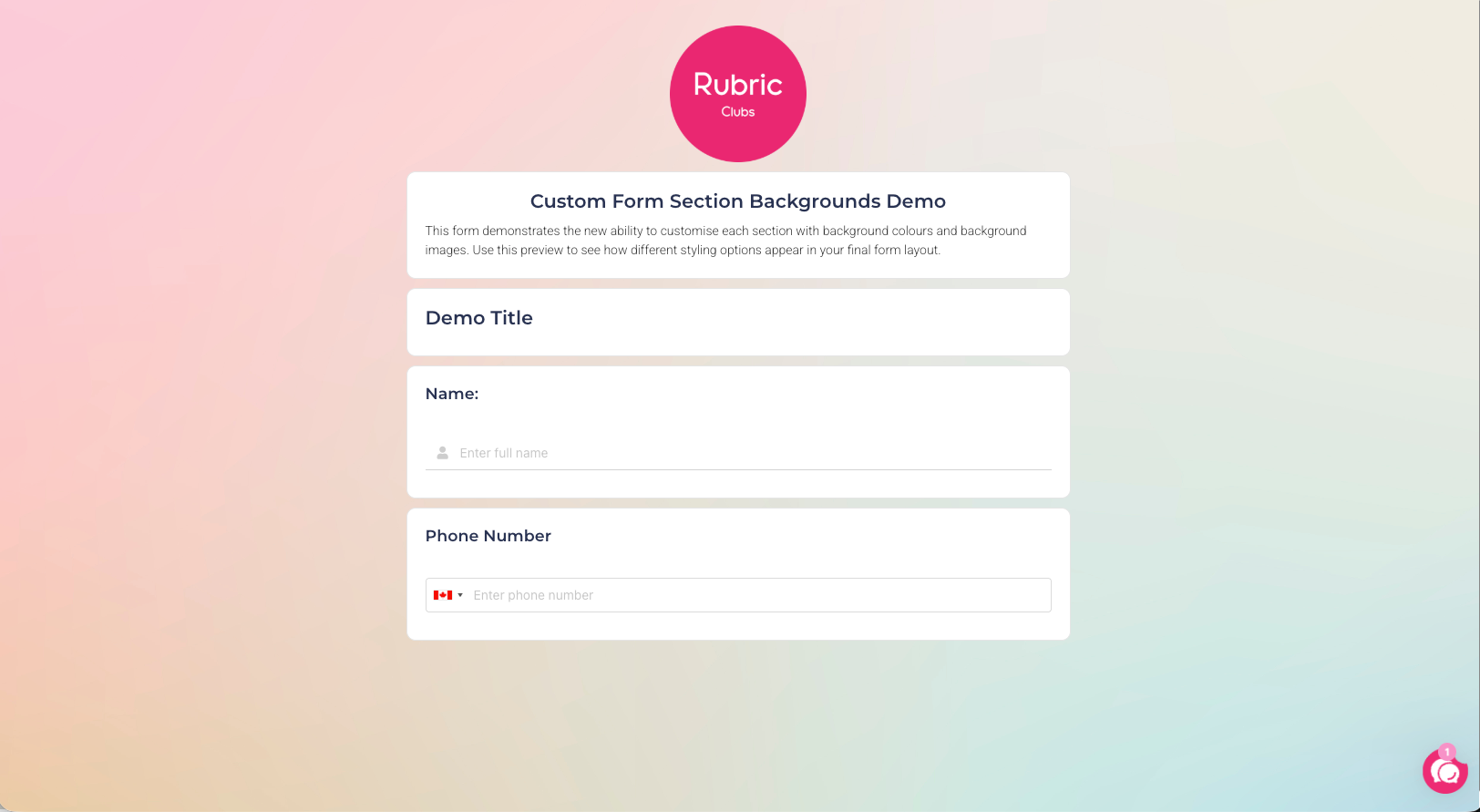
We’re excited to introduce a new enhancement to the Form Builder that allows you to apply custom background images and background colours to individual form sections.
This update gives you more creative control over the layout and visual style of your forms, helping you build experiences that are more engaging, branded, and easy for users to navigate.
What’s New
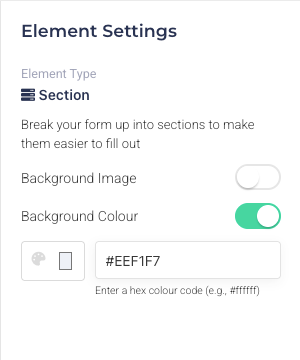
When you select a section in the Form Builder, you will now see two new options in the Element Settings panel on the right:
Background Image – upload an image to visually enhance the section
Background Colour – choose a custom colour to differentiate or highlight sections
These settings can be applied independently or together, giving you full flexibility in styling each part of your form.
How It Works
Drag and drop a Section into the form body.
Click the section to activate the Element Settings panel on the right.
Toggle on Background Image or Background Colour.
Choose your image or colour, and the design will update immediately in the preview.
This enhancement helps you create:
Branded forms that match your organisation’s identity
Visually structured layouts where sections are clearly separated
More engaging forms for events, applications, surveys, and more
Themed experiences, such as seasonal forms or campaign-specific designs
By giving you more styling options, forms can now be both functional and visually appealing.