Edit Student Data from within a student's profile
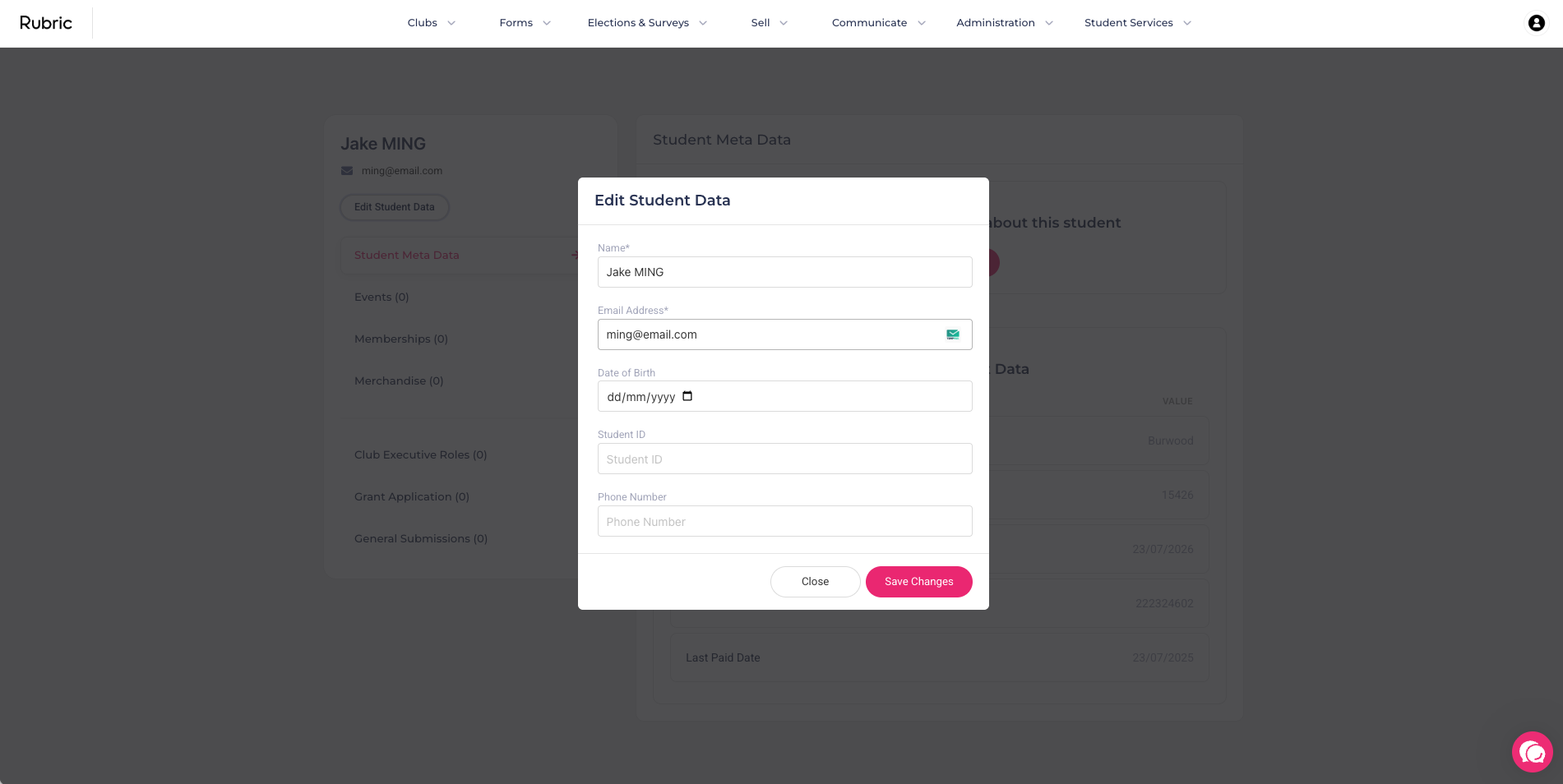
We've introduced a new capability that allows you to edit core student attributes directly from their profile.
How it works: Simply visit a student's profile and select the 'Edit Student Data' button.
Editable fields: Name, Email, Date of Birth, Student ID, and Phone Number.
Important Restriction: This editing capability is only available for unclaimed student accounts (i.e., accounts created by the union or administration that have not yet been claimed and owned by the student)."