Featured Events Are Now On Rubric
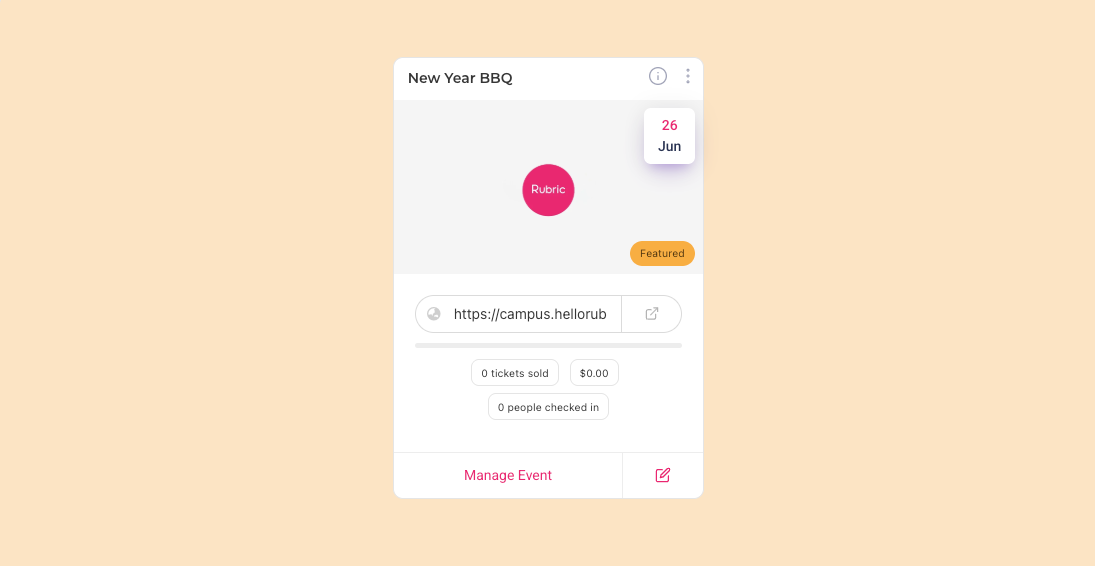
We’re excited to introduce Featured Events, a new way to highlight important events and make them more visible to students.
This update allows clubs to mark specific events as featured directly from the Club Portal, ensuring they appear prominently across the Campus Portal and Union Link in Bio.
What’s New
A new Featured Event toggle is now available when managing events in the Club Portal.
When enabled:
The event appears at the top of the Events list in the Campus Portal
The event is displayed in a new, dedicated Featured Events section in the Union Link in Bio
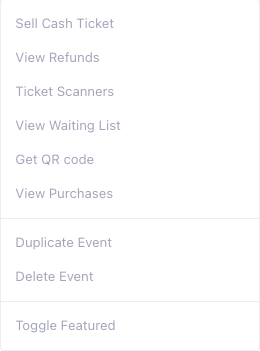
This ensures key events get maximum visibility.
How It Works
Log in to the Club Portal.
Create or edit an event.
Enable the Featured Event toggle.
Save the event.
Once enabled, the event will automatically appear:
First in the Campus Portal Events list
Under the Featured Events section in the Union Link in Bio
This enhancement helps you:
Promote high-priority or flagship events
Increase event visibility and engagement
Guide users toward the most important events
With Featured Events, your most important events are always front and centre.