Private Events Now Available On Rubric
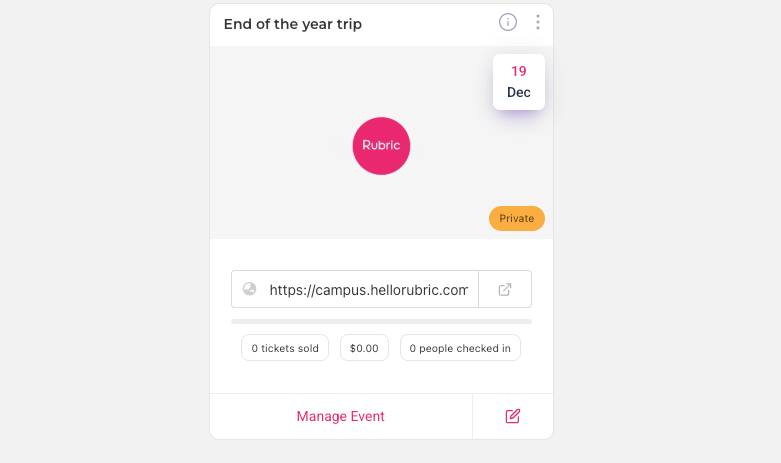
We’re excited to introduce Private Events, a new option that gives you greater control over who can discover and access your events.
This update allows you to create events that are hidden from public menus and search results, making them ideal for invite-only or internal events.
What’s New
When creating or editing an event, you will now see a new option:
Is your event private? – enabling this setting makes the event private
When this option is turned on, the event will not appear in any public menus or search results within the Campus Portal. You can share the event directly through the unique event link.

How It Works
Create a new event or edit an existing one.
Enable the Is your event private? toggle during event setup.
Save your event.
Share the event directly using the unique event link.
Only users with the direct link will be able to access the event.
This enhancement helps you:
Create invite-only or restricted events
Keep internal or private events out of public listings
Share events securely using a direct link
With Private Events, you have more flexibility in how your events are shared and discovered.