Upcoming Change: Improved Admin Navigation Menu
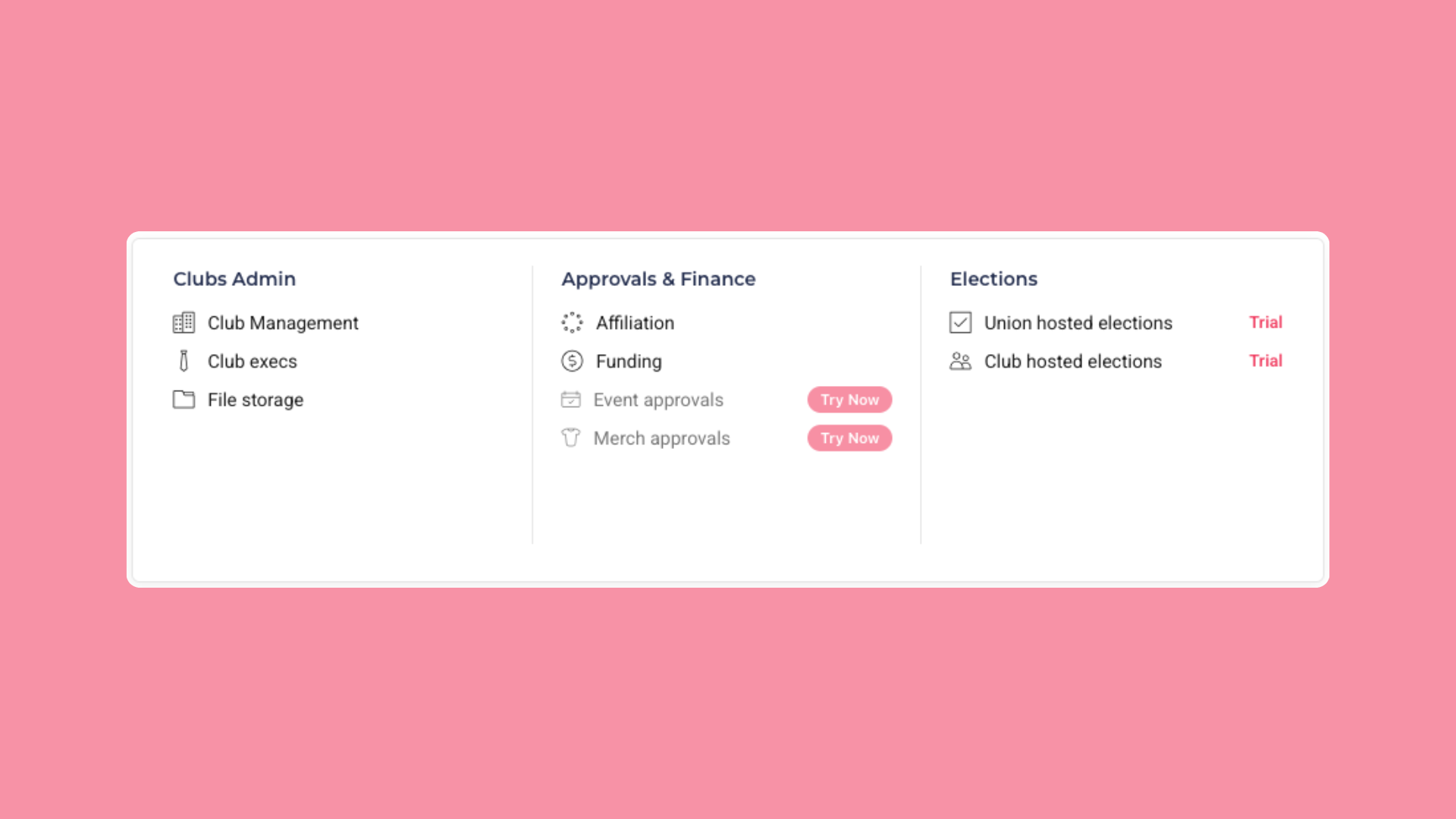
Over the next two weeks we're rolling out a completely rebuilt admin navigation, designed to help you find what you need faster and make it clear which tools you have access to. Here's a preview of what's on the way.
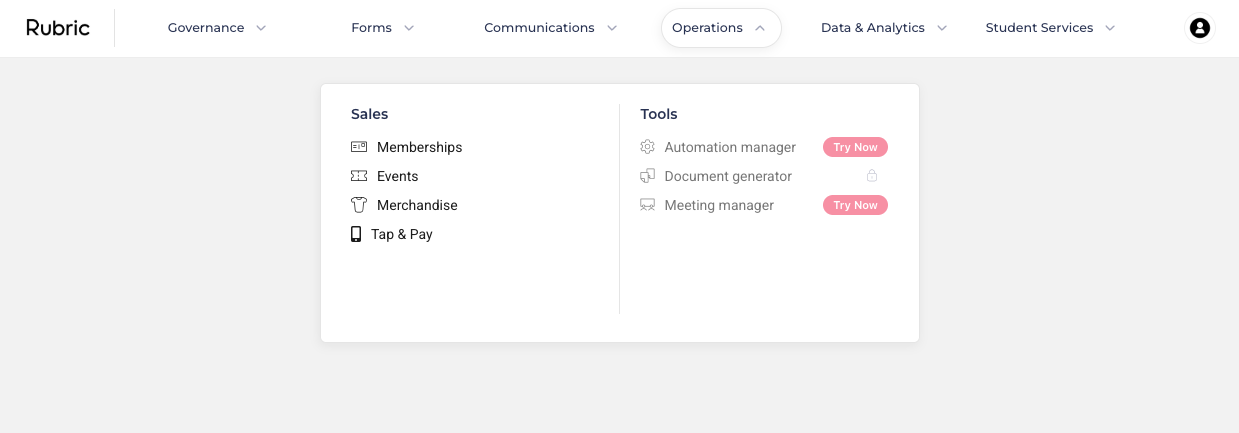
A cleaner, more focused structure
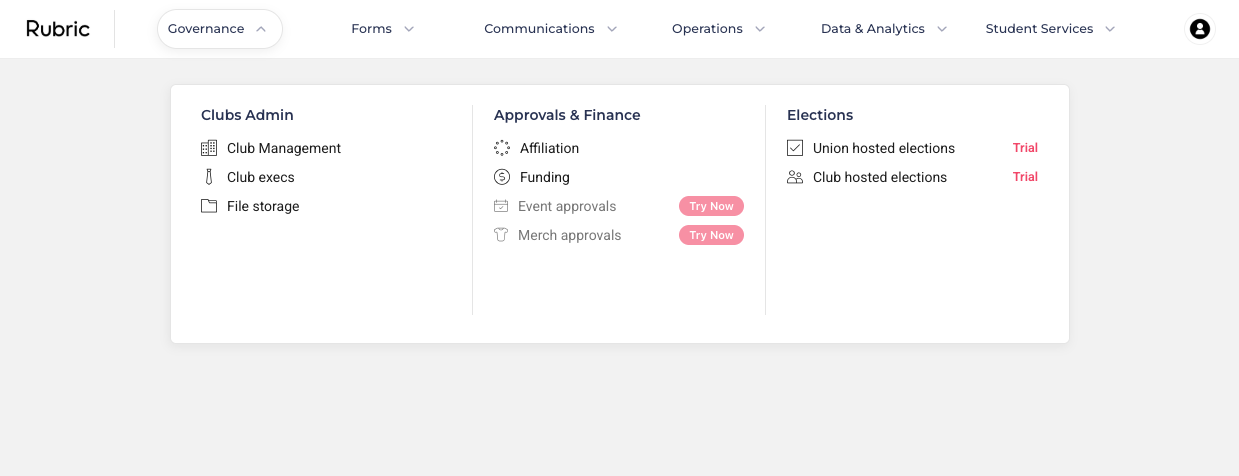
The top menu is being reorganised into clear, purpose-driven sections:
Governance - Clubs (Club Admin + Approvals & Finance) and Elections
Forms - Smart Forms and Submissions
Communications - Outreach and Social
Operations - Sales and Tools
Data & Analytics - Engagement, student database and reports
Student Services - Bookings, Skills & Development and the Resolution Centre
Each section opens into a tidy, grouped panel that resizes smoothly to fit its contents so you get a focused view instead of one long list.
Know exactly what you can use
Every menu item will reflect its real access management at a glance:
Active - ready to use.
On trial - marked with a Trial label; hover to see when your trial ends.
Access Restricted - shown with a lock icon; hover to learn how to request access from your administrator.
Module not included in your instance (Not purchased) - shows a Try Now button.
There is no action needed on your side, this will be rolled out to your union accounts on the 23rd of June!