Personalise Forms with Custom Banners and Background Colours
We’ve introduced two new options to help you make forms feel more on-brand. You can now upload a banner image to appear at the top of your submission page and choose a background colour that matches your style or identity.
This update gives you more control over how your forms look and ensures that the experience feels consistent and engaging for your respondents, right through to the confirmation screen.
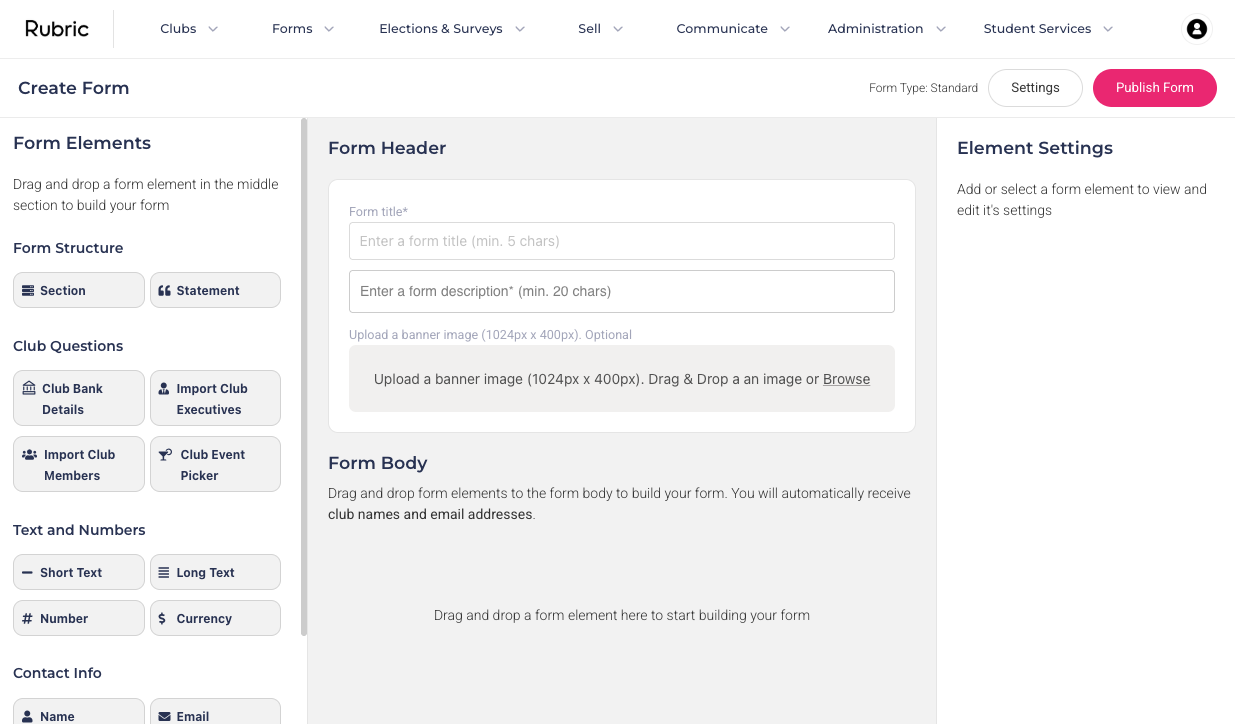
To upload a banner image, use the new upload field in the header section of each form.
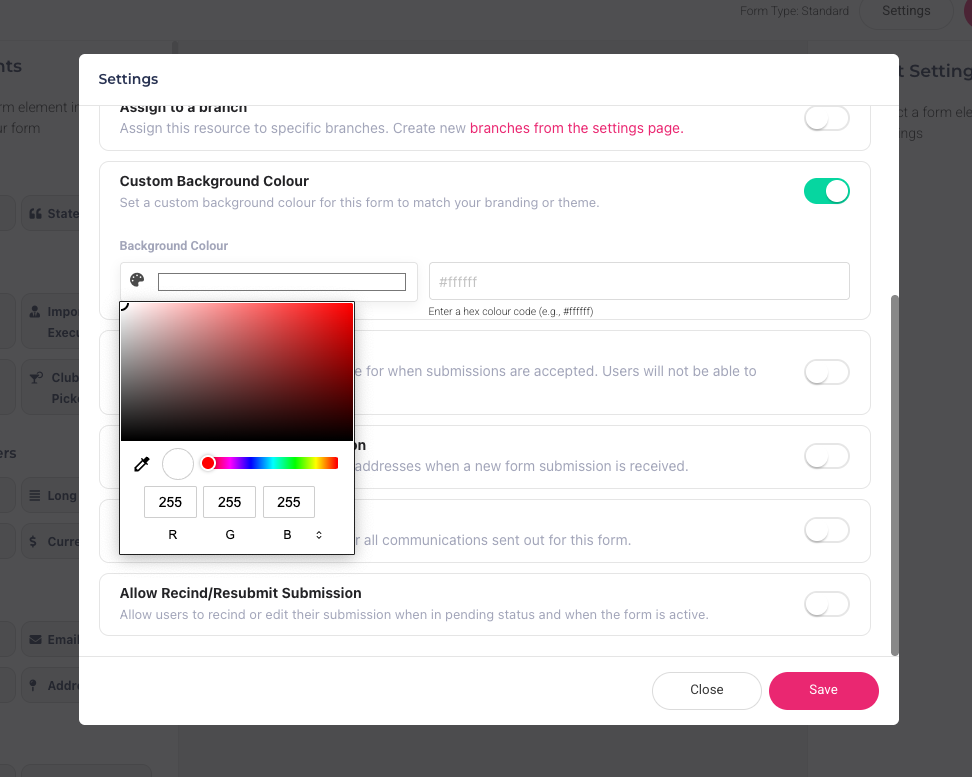
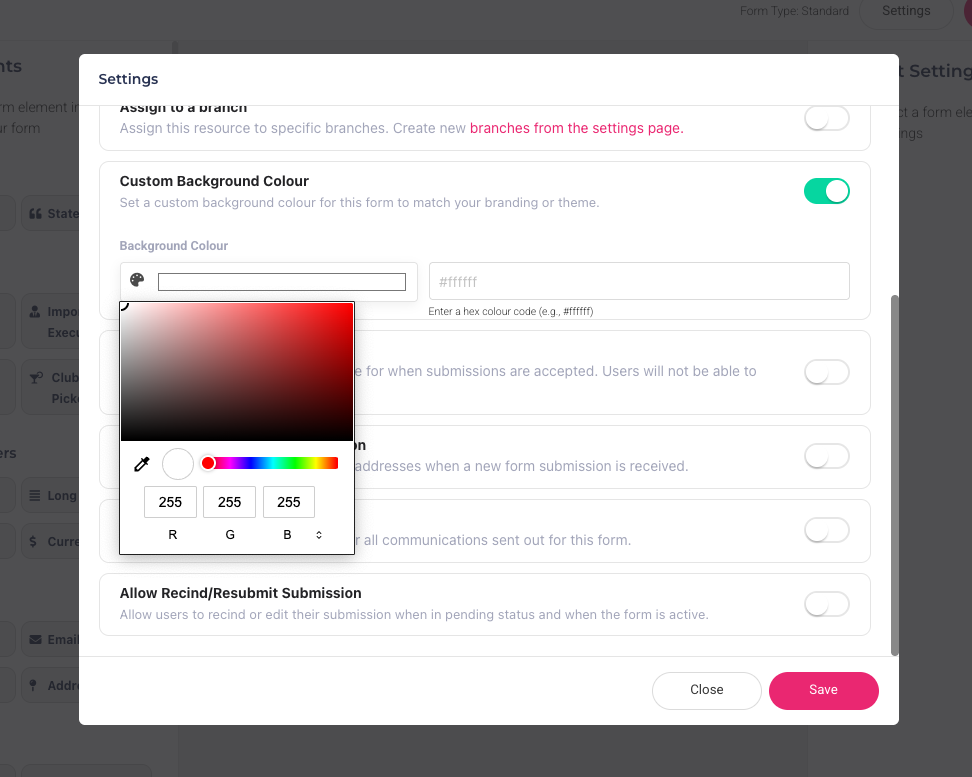
To change the background color, go to the form’s settings and select your preferred color.