Recurring Events Are Now Available on Rubric
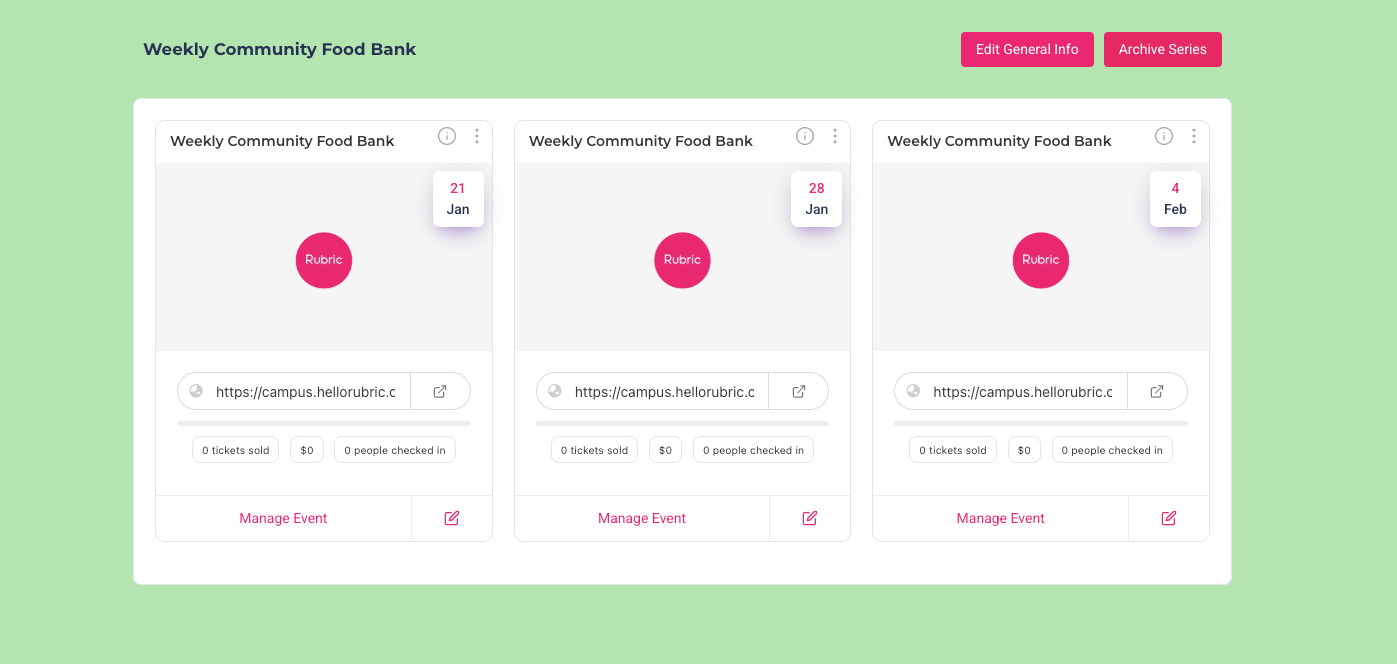
We’re excited to introduce Recurring Events, making it easier to create, manage, and maintain events that repeat over time. This update helps reduce manual work while providing greater flexibility and consistency for regularly scheduled activities.
How It Works
Create an Event
Navigate to Events and select Create Event to get started. Fill in the event details as you normally would.
Enable Recurrence
While creating the event, choose the Recurring Event option to indicate that the event will occur multiple times.
Set a Recurrence Pattern
Define how often the event repeats daily, weekly, or monthly based on your needs. This allows you to plan ahead and schedule events in bulk.
Edit Individual Events
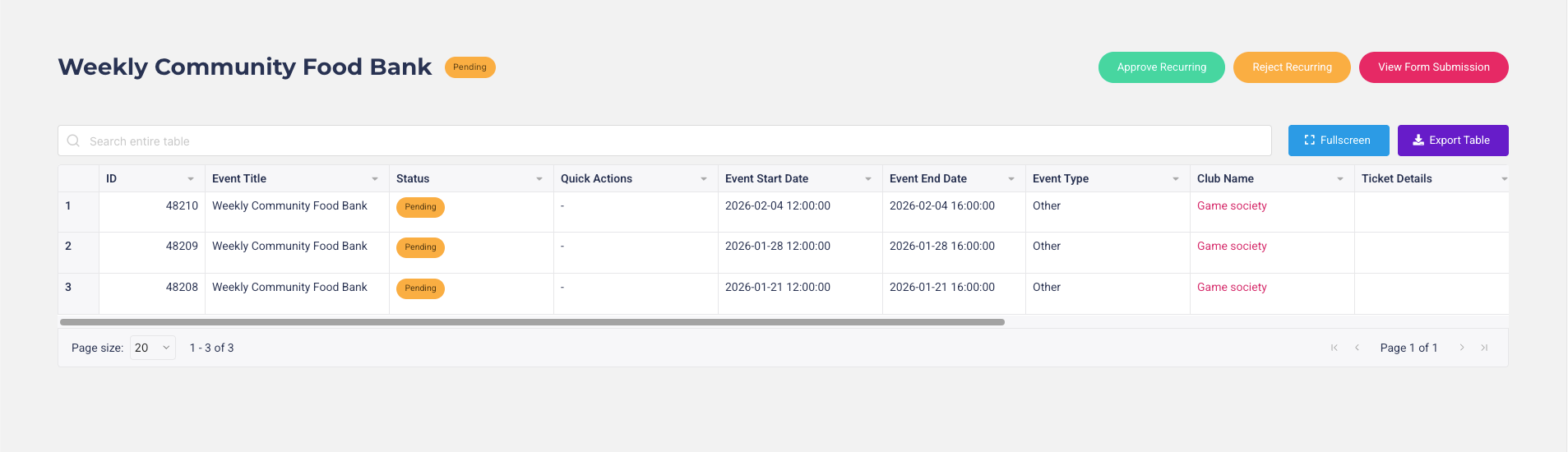
Each event within a recurring series can be edited individually. If changes are made to a specific occurrence (such as time, location, or description), the update will follow the existing event approval process before being published.
Manage Recurring Events
View, edit, update, or archive recurring events at any time from the Manage Events section, giving you full control over both the series and individual events.
What This Means
Recurring events make it significantly easier for clubs and unions to organize and host ongoing activities without needing to recreate events each time. Regular meetings, training sessions, workshops, and weekly gatherings can now be scheduled in advance with minimal effort.
Event approvals are also taken into consideration, ensuring that all events whether part of a series or edited individually remain consistent with platform guidelines while still allowing flexibility where needed.