Safer Administrator Logins with Single Sign-On

Administrators can now sign in to the Admin Portal using your organisation's existing Single Sign-On (SSO) the same Microsoft, Google, or university login they already use every day. No separate Rubric password to create, remember, or reset.
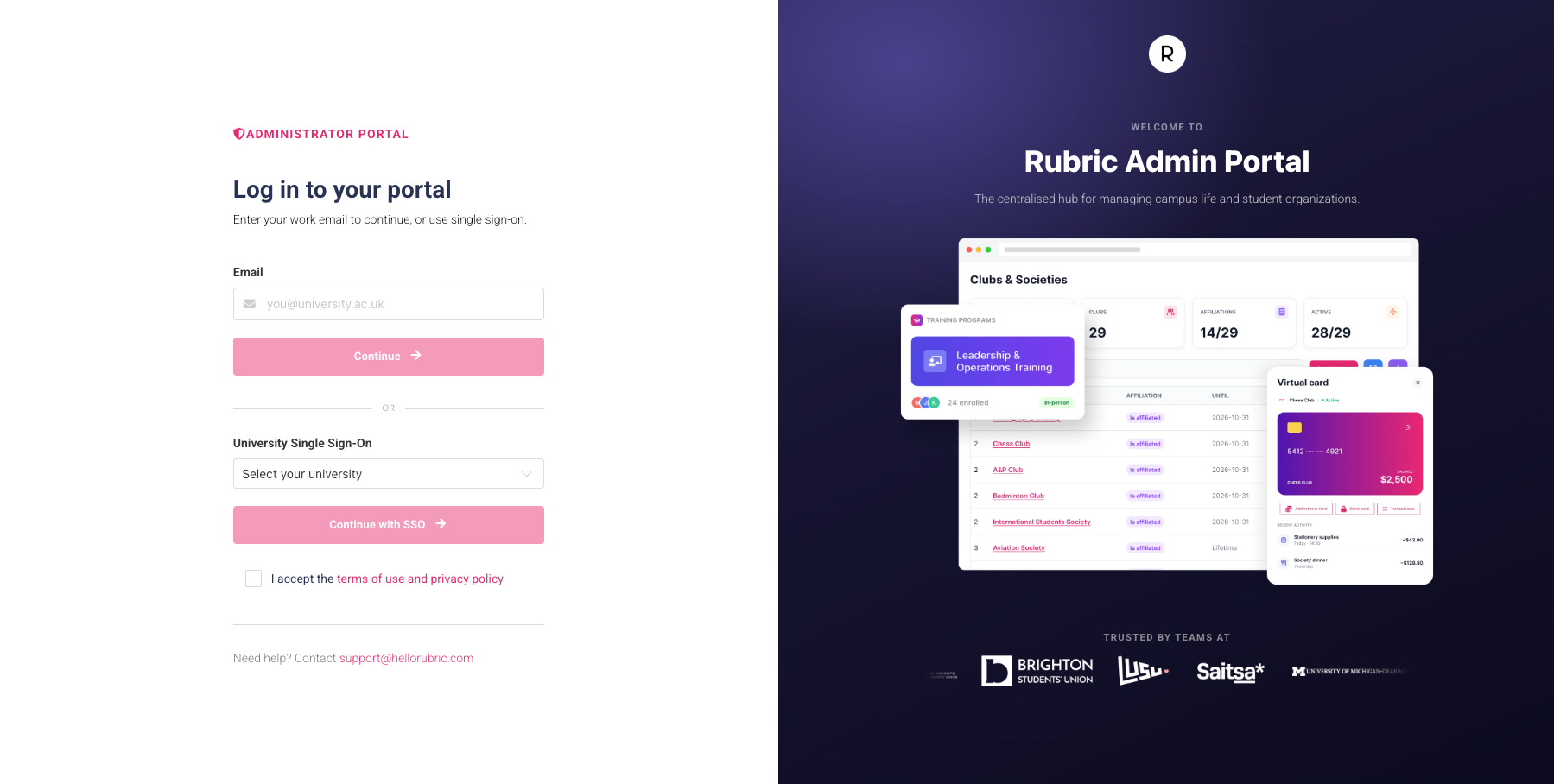
Now you can:
Skip admin portal passwords entirely. Admins sign in with SSO using the account they already have, so there's nothing new to create or remember.
Say goodbye to password resets. With no separate password, there's nothing to forget.
Log in with one click. Choose SSO and authenticate through your organisation account to get straight in.
Get Started
Admin Login Management (SSO) is now available on your instance and to enable this add-on across your organisation, contact us at sales@hellorubric.com or speak to your account manager.