Say hello to profile pictures
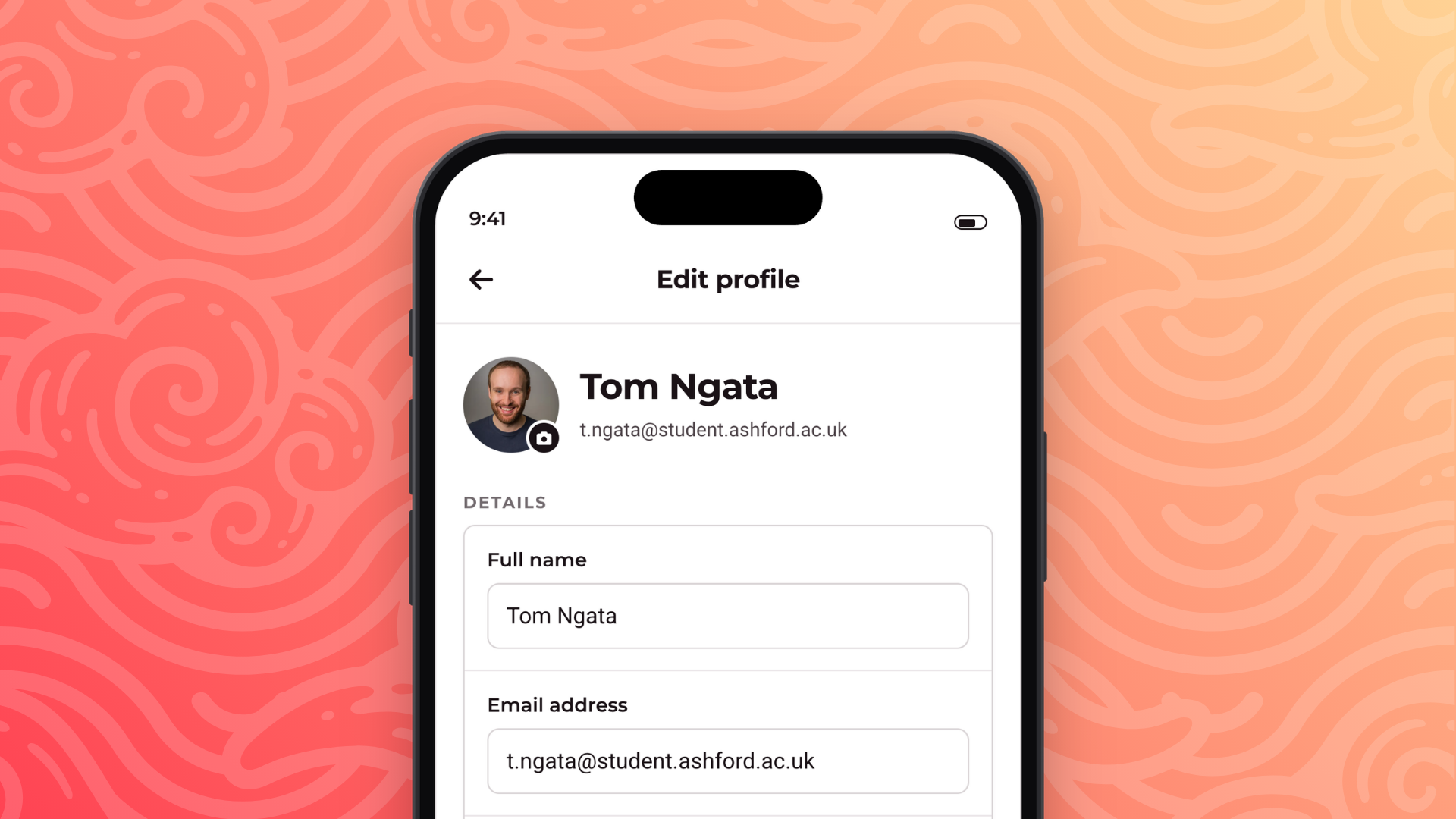
Everyone on Rubric can now put a face to their name. Students and admins can both upload a profile picture, and it follows them across the web app, the admin portal and the mobile app.
For students
Head to Profile → Settings on the web app and hit Upload next to your picture. Pick any image you like, you'll get a crop window to frame it into a square before it's saved, so there's no need to prepare anything in advance. Remove clears it again.
On the mobile app, tap your avatar at the top of the Profile screen to take a new photo or choose one from your library. Your picture then appears in the Me header every time you open the app.

For admins
Union admins upload theirs from Account Settings in the admin portal, with the same pick-then-crop flow. Once set, your picture appears in the account panel, in the navbar on both desktop and mobile, and anywhere your name shows up for your colleagues.
There's a camera button on your avatar in the account panel, tap it to jump straight to the upload.
Stay tuned for more exciting updates!